Be sure to read How to get debug information and open a proper issue to provide necessary logs and information.
Any issue without the logs can be automatically closed without further notice.
Issue description:
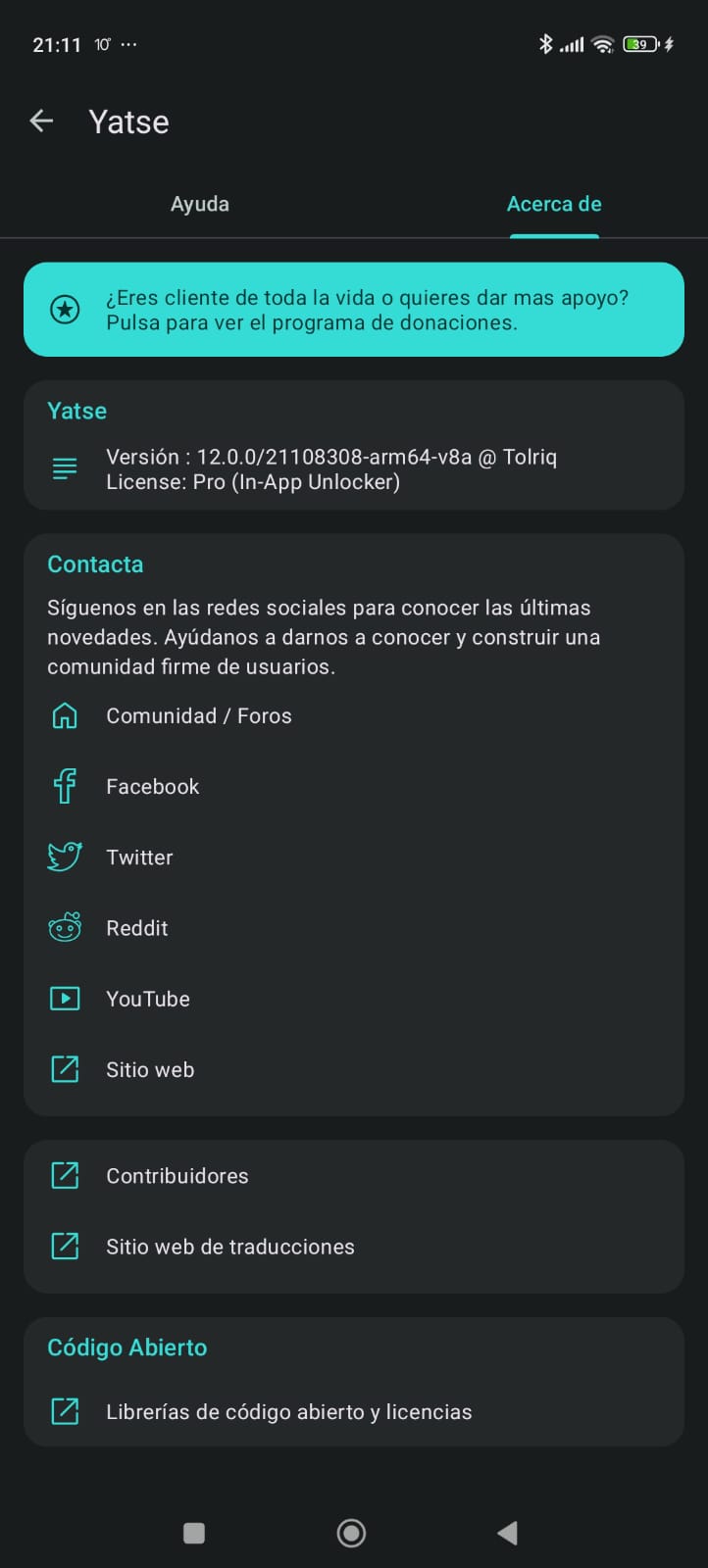
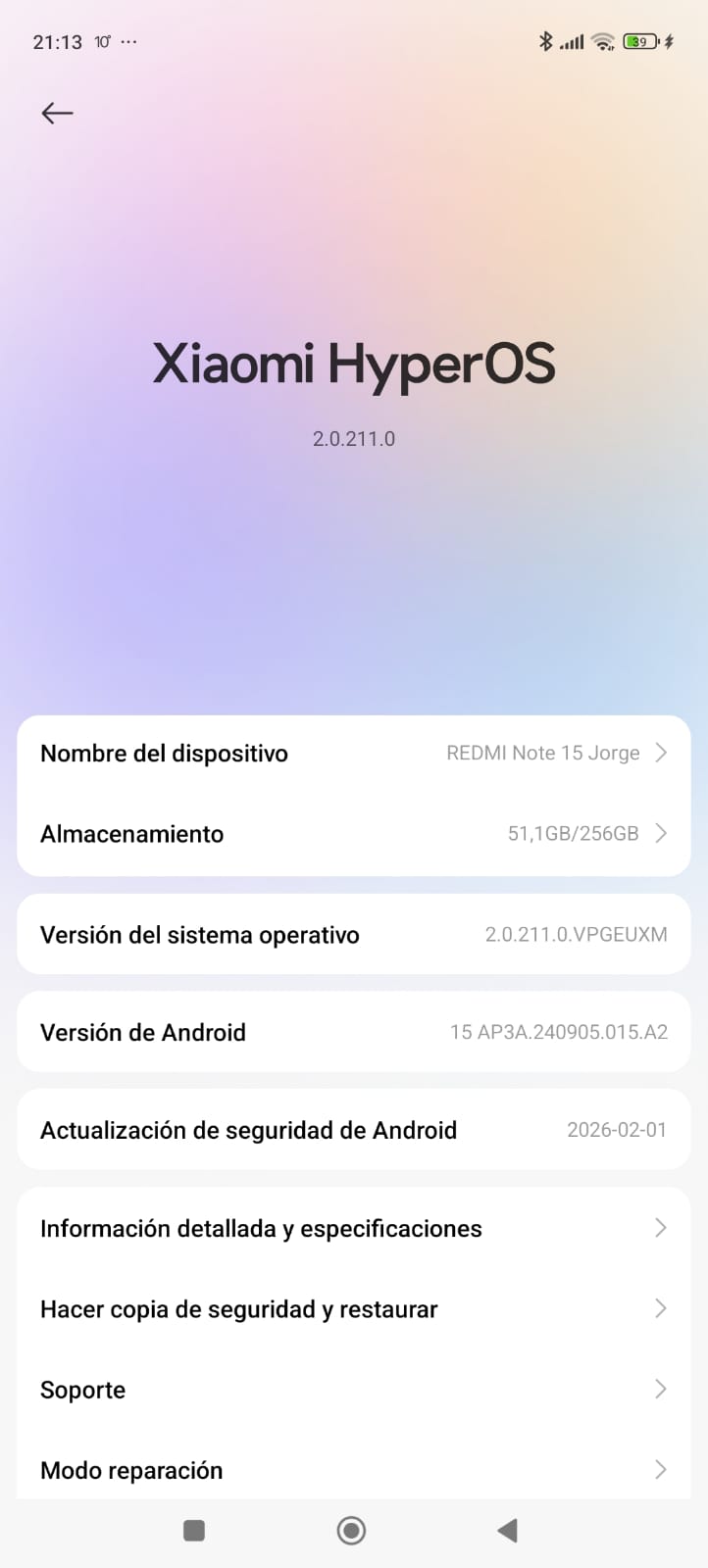
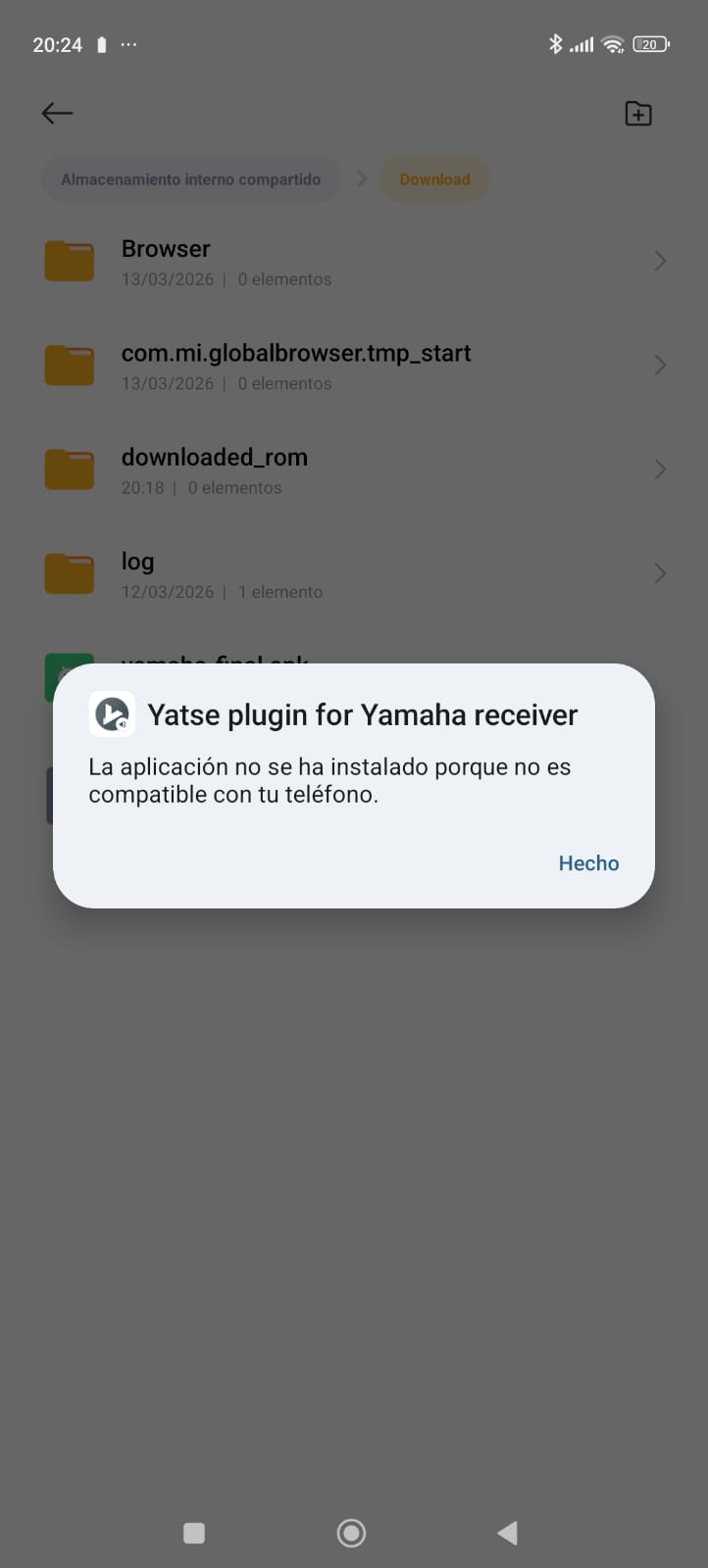
My father (who also uses Yatse’s pro version) got a new phone that comes with Android 15. Yatse itself works fine, but when we try to install the Yamaha plugin, even from the APK found here Yamaha receiver plugin , we get the following error message: “The application couldn’t be installed because it is not compliant with your phone” (the option to install APKs from sources other than google play was activated for a file explorer, so the issue does not come from that side).
There’s a workaround in the link where the APK can be downloaded from that we haven’t tried, but (imho) it’s not basic enough for every user profile (e.g. my father)
Logs: (Join files do not paste the content of the files here !)
This is a installer issue, not a Yatse one, I can provide the installation logs if needed, but I would need to know how they can be obtained.
Screenshots:
Additional information:
My phone also has Android 15, but when I bought it years ago it came with Android 13 or 12 (I don’t even remember). Under that version I didn’t have any problem installing the plugin, and once installed, it keeps working after upgrading to Android 15.
PS: We haven’t tried, but it may not be the only plugin with this installation issue (?)